BigCommerce tells you an id. See the rest.
BigCommerce webhooks are powerful and famously sparse: a scope and a bare id, and a hook that quietly switches off when it fails. Point it at CommerceHook and read every delivery in full.
Why do BigCommerce hooks switch themselves off?
Free plan, no card. One endpoint, live in a minute.
BigCommerce webhooks, made legible
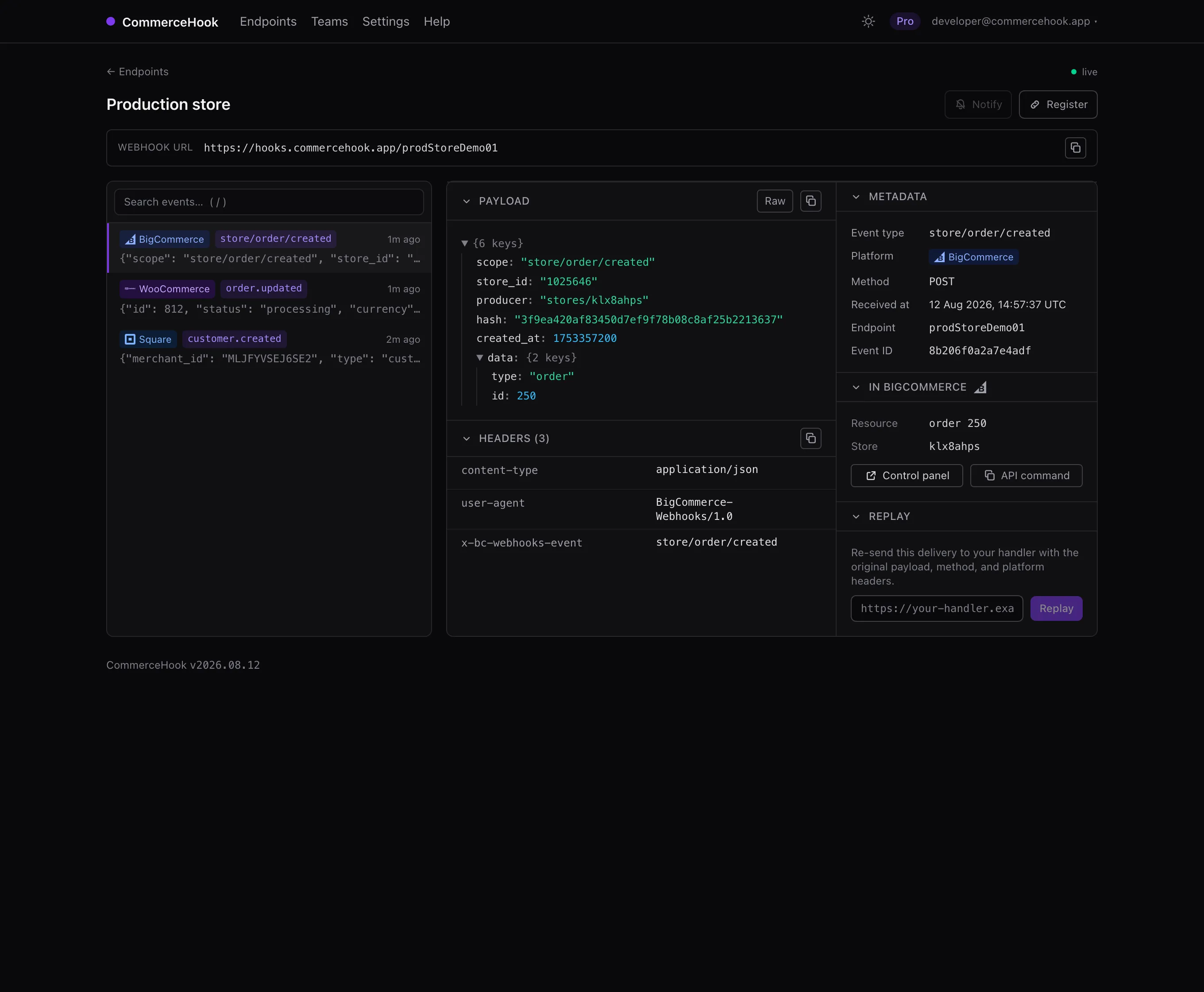
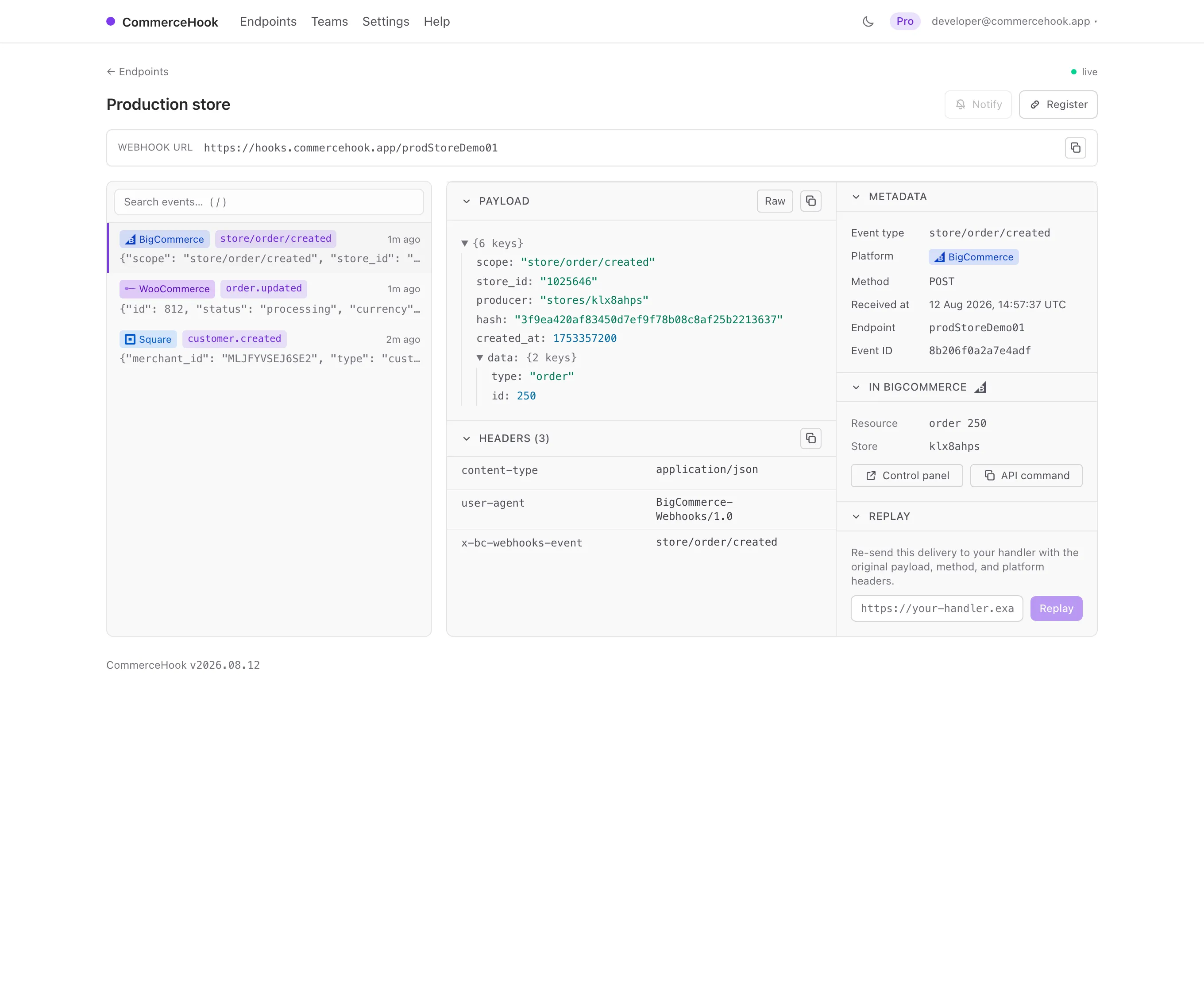
A sparse payload and a hook that dies quietly are the two things that make BigCommerce webhooks hard. The inspector answers both.
The id, resolved
BigCommerce sends a scope and a bare id. We link straight to that order or product in your control panel and hand you the API call.
Never silently deactivated
A hook that keeps failing is switched off without a word. A CommerceHook endpoint always answers 2xx, so it stays alive.
What actually arrived
The full JSON, every header including x-bc-webhooks-event, and the received time, the moment BigCommerce sends it.
Register
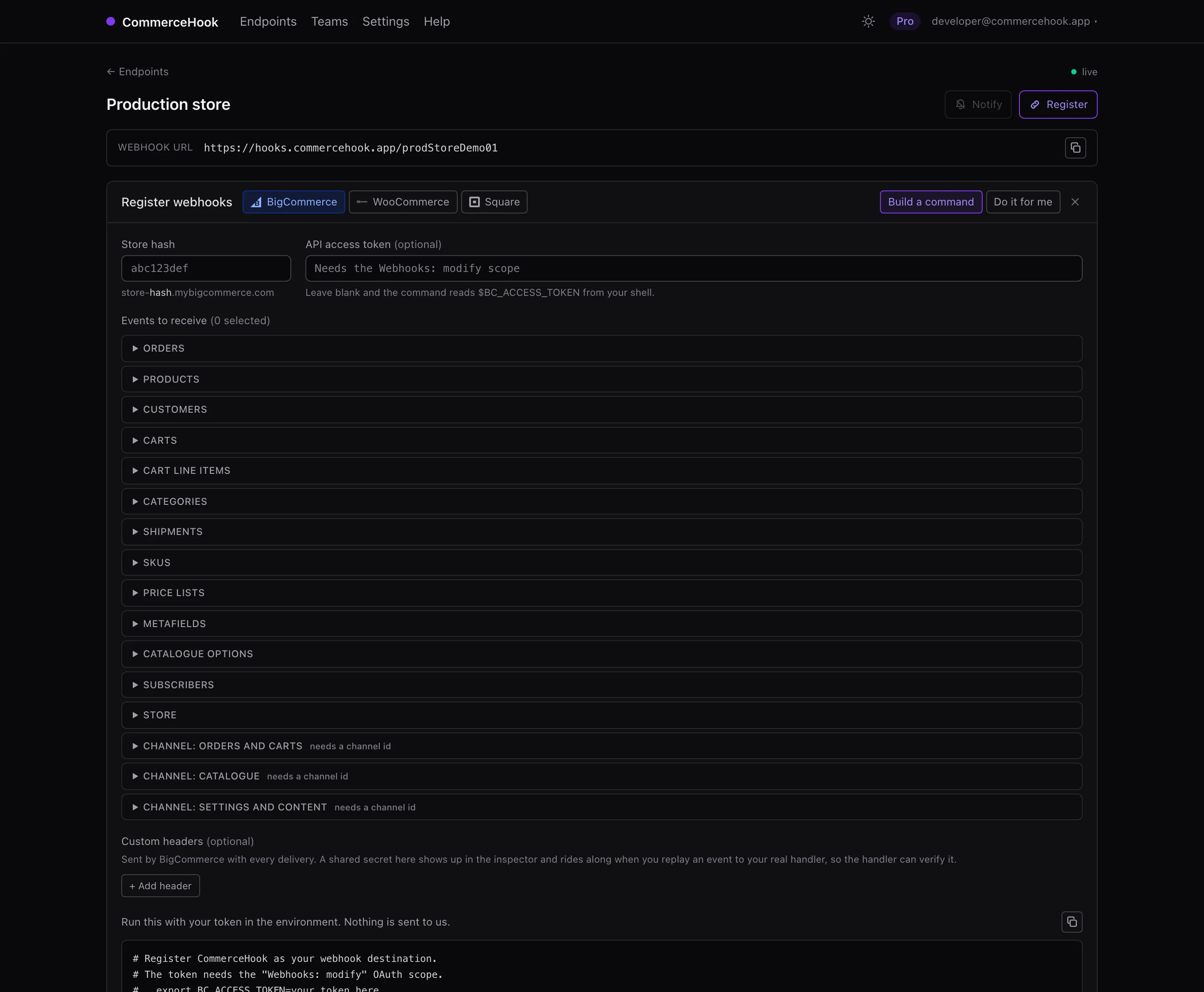
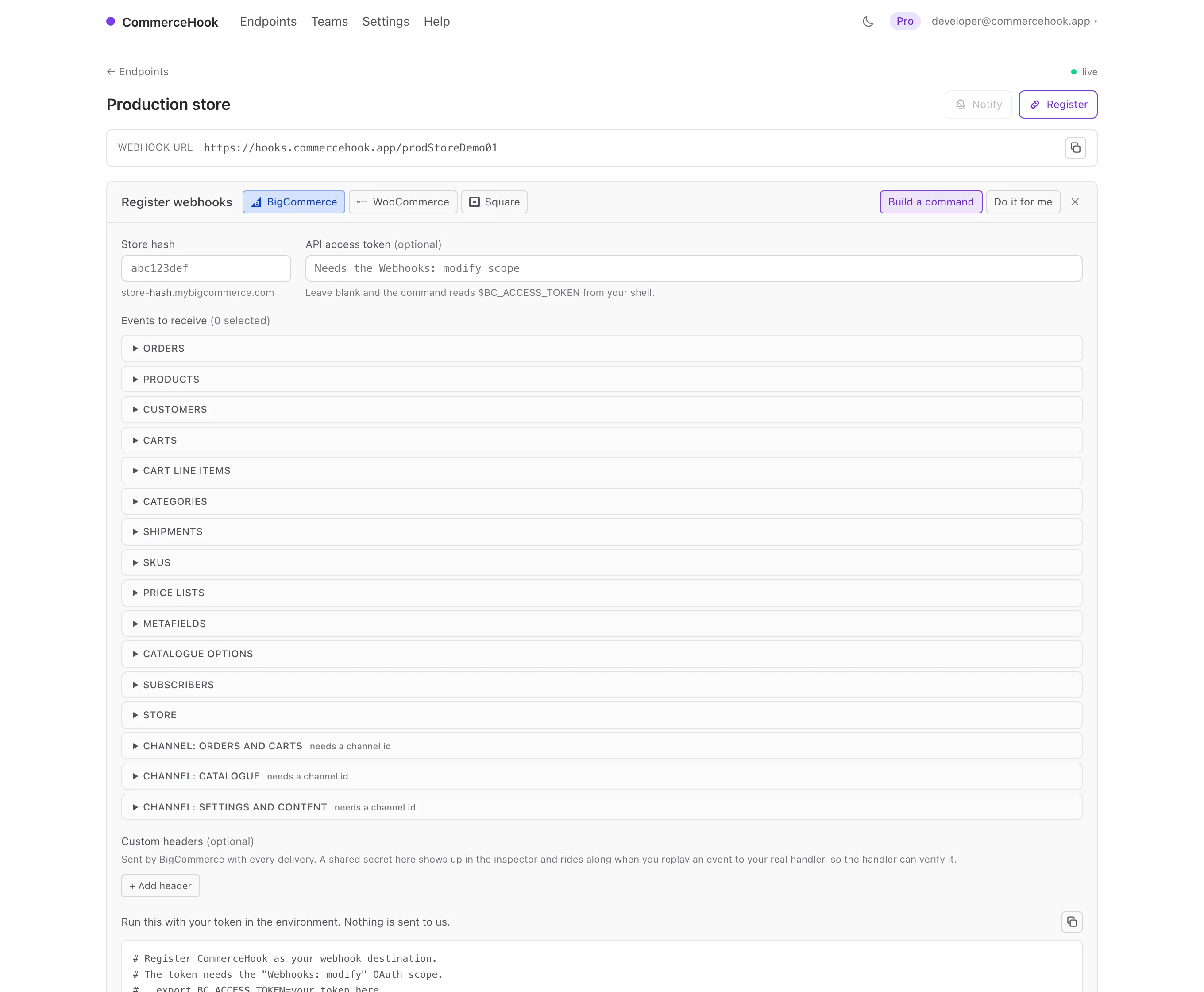
Register from the dashboard, or a command
Create an endpoint, tick the scopes across orders, products, customers, carts and the rest, and hand over your store hash and an API token with the Webhooks scope. We call the v3 hooks API and register each one. Or copy the command and run it yourself.
curl -X POST "https://api.bigcommerce.com/stores/{store_hash}/v3/hooks" \
  -H "X-Auth-Token: $BC_ACCESS_TOKEN" \
  -H "Content-Type: application/json" \
  -d '{"scope":"store/order/created",
       "destination":"https://hooks.commercehook.app/your-endpoint",
       "is_active":true}'
From nothing to inspected in a minute
-
1
Create an endpoint
Sign in and name it. You get a live HTTPS URL to register as your destination.
-
2
Register the scopes
Pick the scopes and hand over your store hash and token; we call the v3 hooks API for you.
-
3
Read and replay
Every delivery appears the moment it lands. Replay it at your handler once it is fixed.
One inspector, five platforms
BigCommerce is where this started and the docs are still written BigCommerce-first, but nothing in the inspector is specific to it. The same endpoint takes deliveries from four other platforms, which matters if you are migrating or running two storefronts at once.
The same endpoint takes 4 others with first-class support: WooCommerce , Square , Shopify and Stripe . Anything else that speaks HTTP works too, whatever method or body it sends.
Debugging rather than choosing? The BigCommerce webhook inspector covers how these webhooks behave and why they fail.
Stop guessing what BigCommerce sent
Free for one endpoint, no card. Point a webhook at it and read the truth.