Stripe webhooks, next to the order they paid for
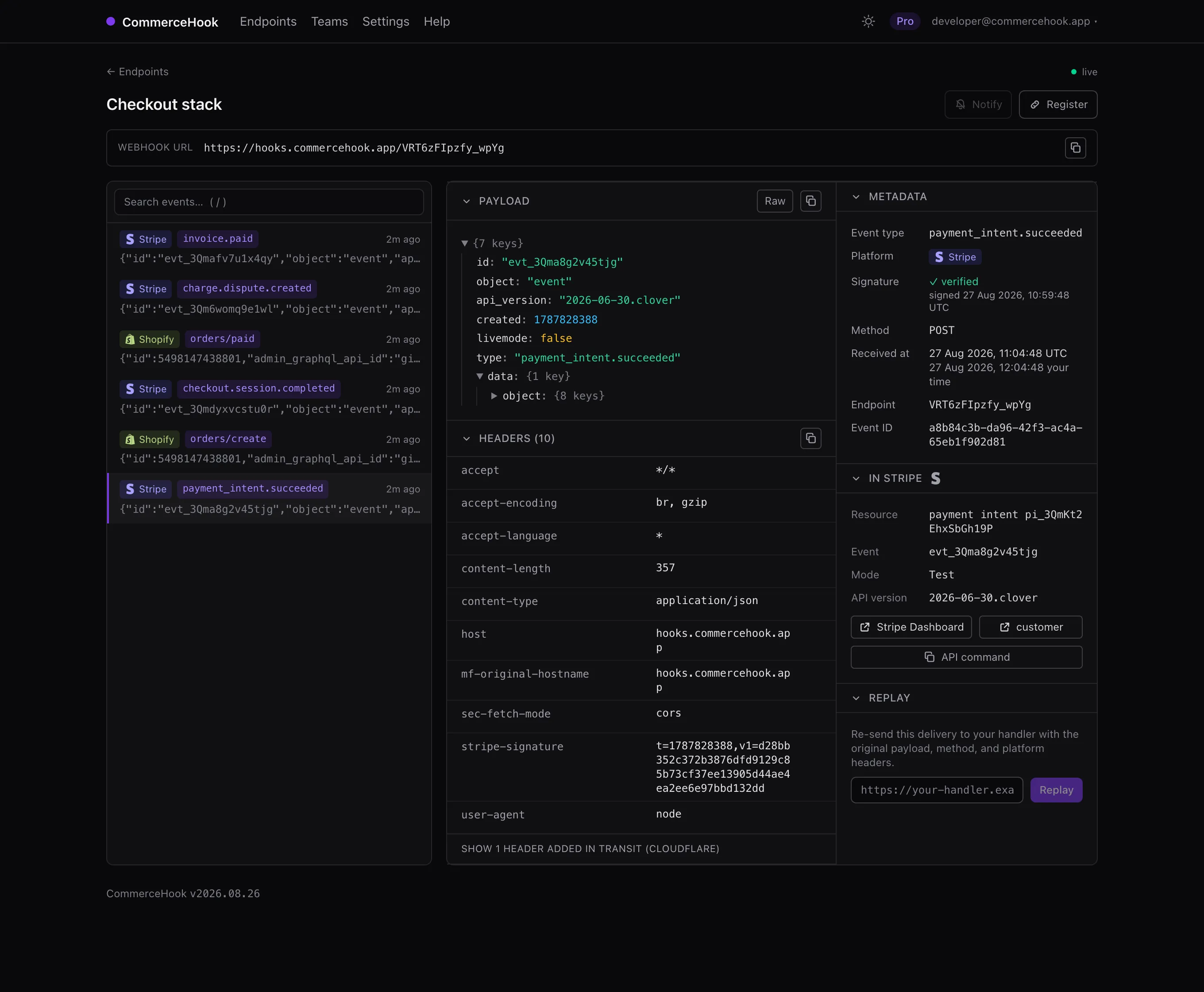
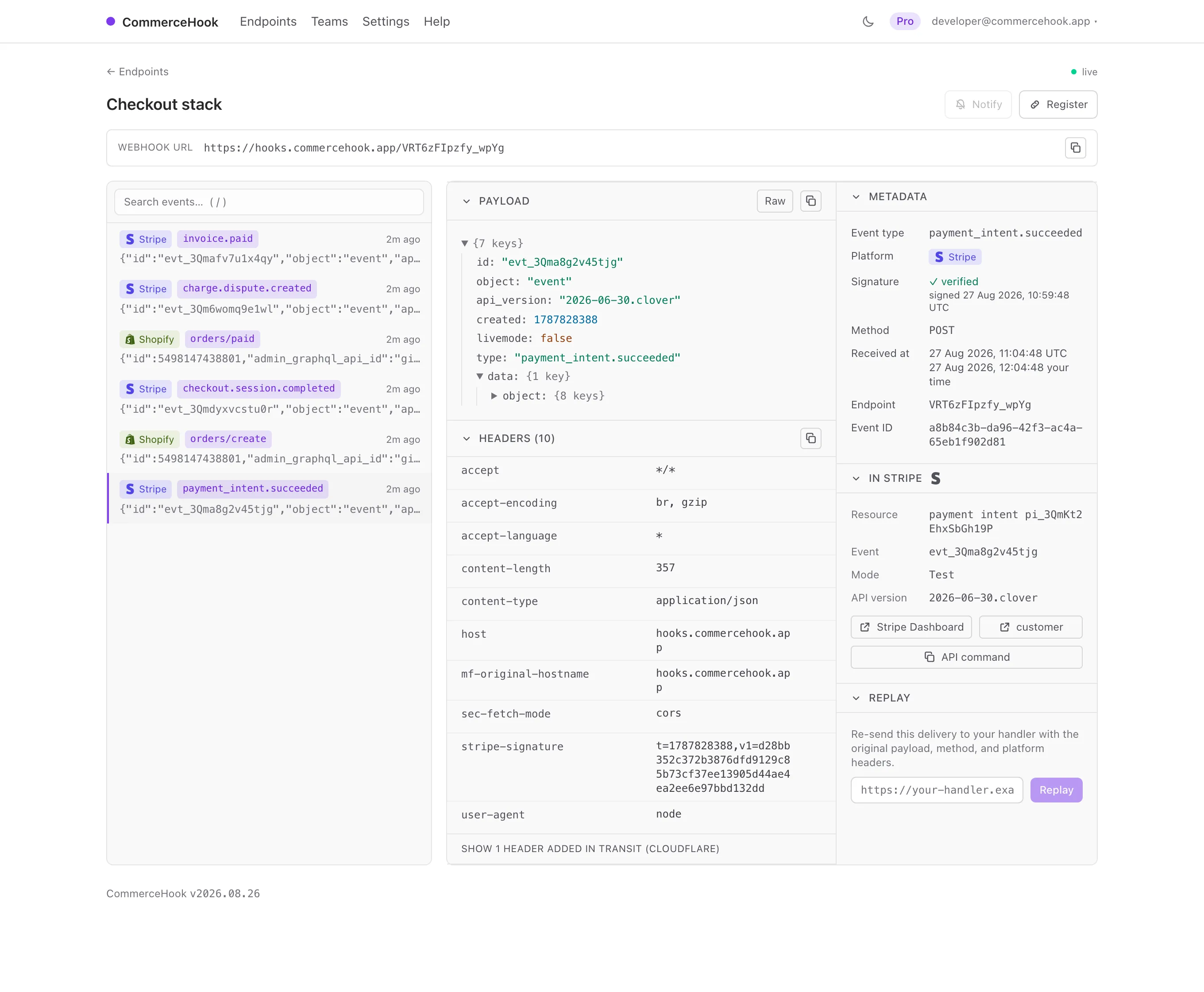
Stripe's own tooling is good, and it stops at Stripe. CommerceHook catches the payment_intent and the storefront's orders/create in one timeline, verified, kept for 90 days, replayable at your handler.
Why does the Stripe signature not match?
Free plan, no card. One endpoint, live in a minute.
What sits alongside Workbench
Stripe gives you event deliveries, resend and a CLI that forwards to localhost. This is not a replacement for any of it. It is the part Stripe cannot do: your payments layer and your storefront in one place, for longer.
The payment and the order, together
Your storefront fires orders/create while Stripe fires payment_intent.succeeded for the same basket. Point both at one endpoint and read them side by side, in order, in one timeline.
Kept past the resend window
The Stripe Dashboard resends up to 15 days back, the CLI 30. Pro keeps 90 days of deliveries and replays any of them at any URL, with the original headers.
Signatures checked for you
Register through us and the signing secret never touches your clipboard: it arrives with the endpoint and stays encrypted. Every delivery shows a tick or a cross, secret rolls included.
Register
Connect in a click, or a command
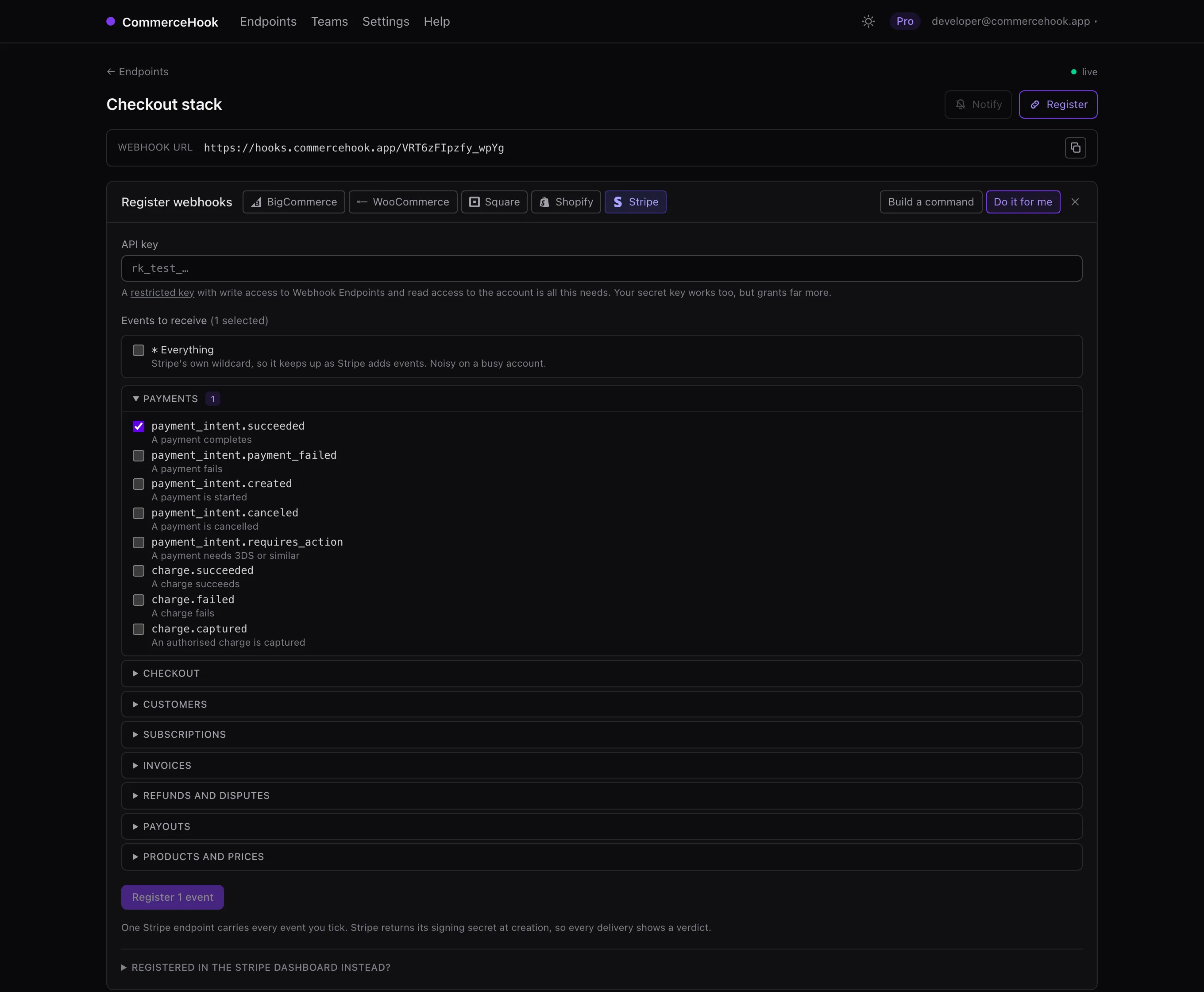
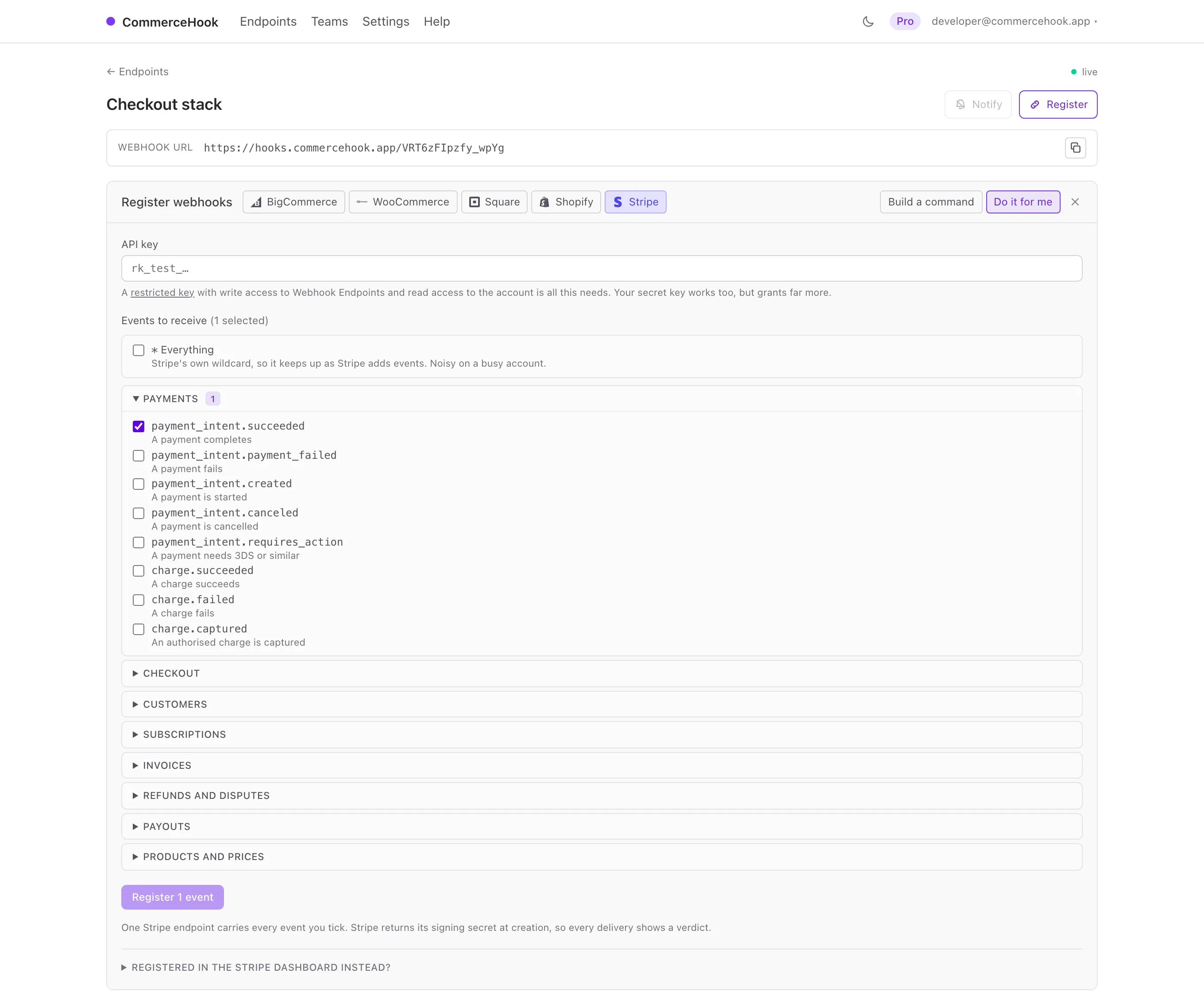
Create an endpoint, paste a Stripe API key, and tick events across payments, checkout, subscriptions, invoices, refunds and disputes. One Stripe endpoint carries the lot, and the signing secret it returns is stored encrypted so deliveries verify from the first one. A restricted key with write access to Webhook Endpoints and read access to Connect Accounts is all it needs, and the panel says so where you paste it.
curl https://api.stripe.com/v1/webhook_endpoints \
  -u "$STRIPE_API_KEY:" \
  -d 'enabled_events[]=payment_intent.succeeded' \
  -d 'enabled_events[]=checkout.session.completed' \
  -d 'description=CommerceHook' \
  --data-urlencode 'url=https://hooks.commercehook.app/your-endpoint'
Test and live, told apart
Every Stripe event says whether it is live money, and the inspector reads that rather than guessing from whichever key you happened to save. A test payment links to the test Dashboard; a live one links to the live Dashboard. The difference matters the moment you are staring at a payment that supposedly does not exist.
Signed deliveries carry the moment Stripe signed them, and that is shown next to the verdict rather than acted on. A delivery you resent from Stripe's own tooling is genuine and hours old at once, and only you can say whether that is a problem.
From nothing to inspected in a minute
-
1
Create an endpoint
Sign in and name it. You get a live HTTPS URL to register with Stripe.
-
2
Register the events
Paste a restricted key, tick the events, and we create the endpoint. Or copy the command and run it yourself.
-
3
Read and replay
Every delivery appears the moment it lands, verified, linked to the payment in your Stripe Dashboard. Replay it once your handler is fixed.
One inspector, five platforms
Stripe usually sits beside a storefront rather than replacing one, and reading payment events next to the orders that caused them is most of why this exists. Four other platforms have the same first-class support.
The same endpoint takes 4 others with first-class support: BigCommerce , WooCommerce , Square and Shopify . Anything else that speaks HTTP works too, whatever method or body it sends.
Debugging rather than choosing? The Stripe webhook inspector covers how these webhooks behave and why they fail.
See the payment and the order together
Free for one endpoint, no card. Point a Stripe event at it and watch it land.