Every Square event, from every merchant, in one place
Square delivers events from all your connected sellers to one signed URL, split across sandbox and production. Point it at CommerceHook and read every delivery, checked and labelled.
How do Square webhook signatures work?
Free plan, no card. One endpoint, live in a minute.
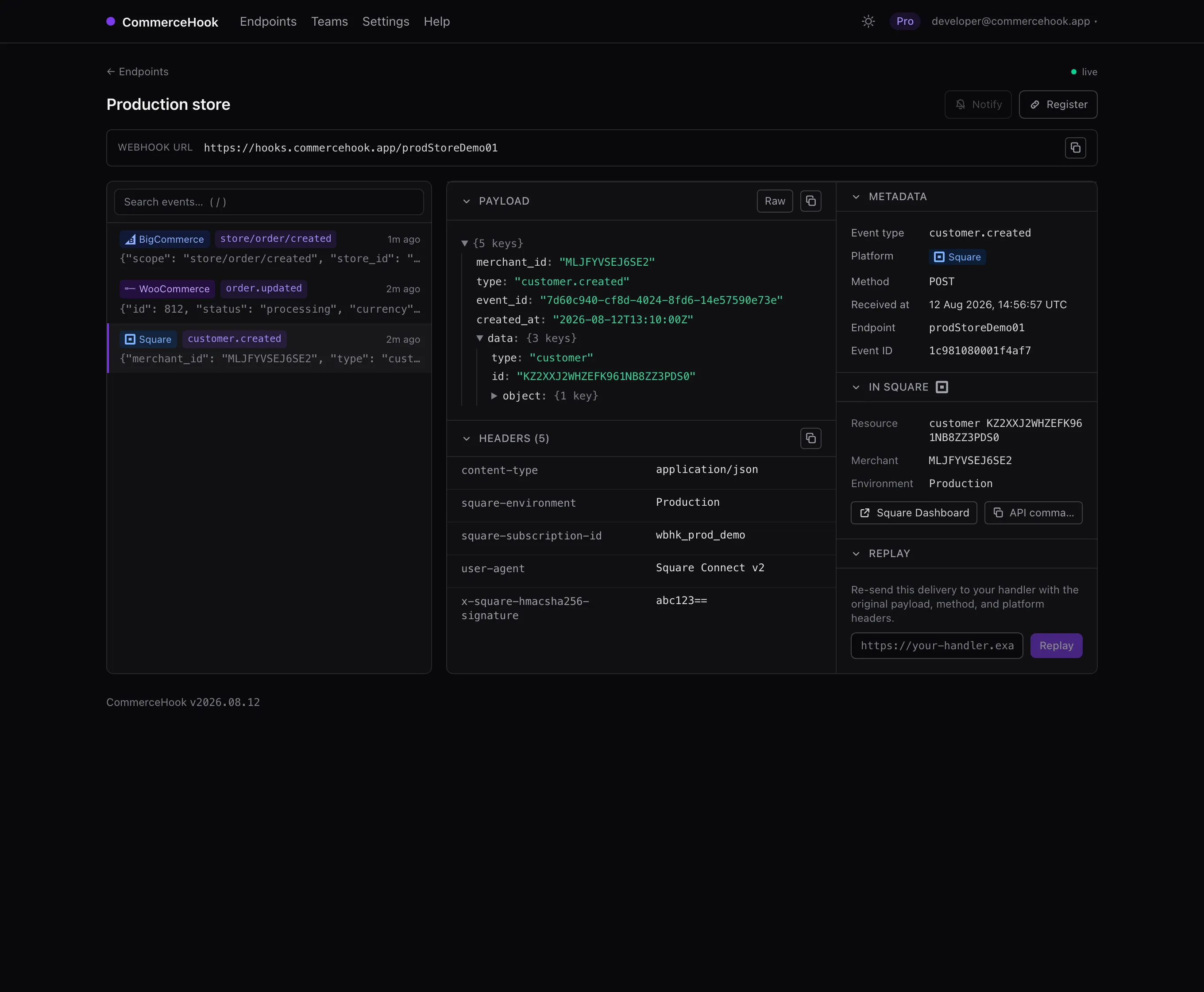
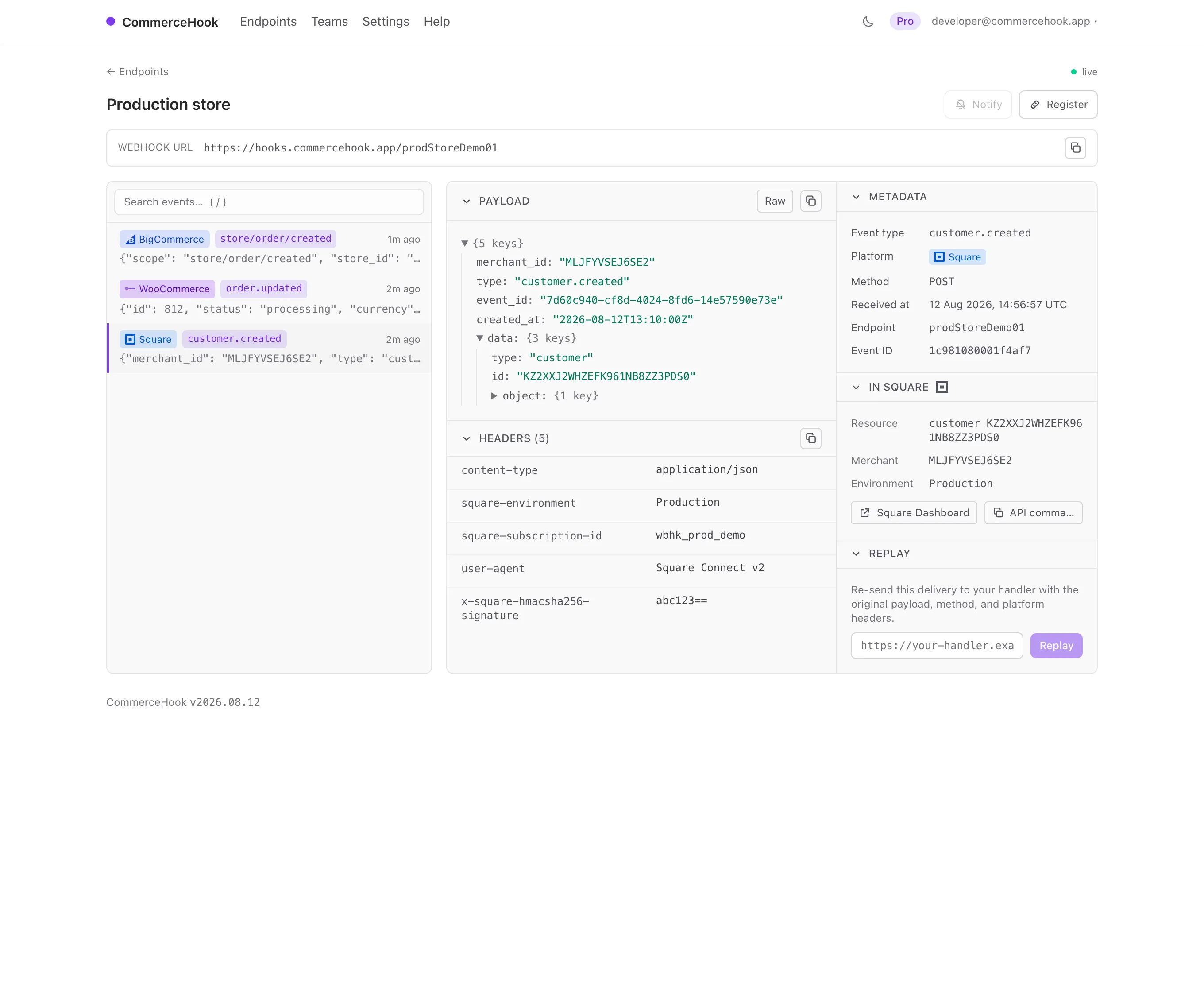
Square webhooks, minus the surprises
Three things about Square catch developers out. The inspector handles all three.
Every merchant, one URL
A Square app hears from all its connected sellers at once. We show the merchant on every delivery and link straight to the record.
Signatures already checked
Square signs the URL and the body together and hands us the key at creation, so each delivery lands with a tick or a clear cross.
Sandbox and production, apart
Every event says which environment it came from, so a test order is never mistaken for a real sale.
Register
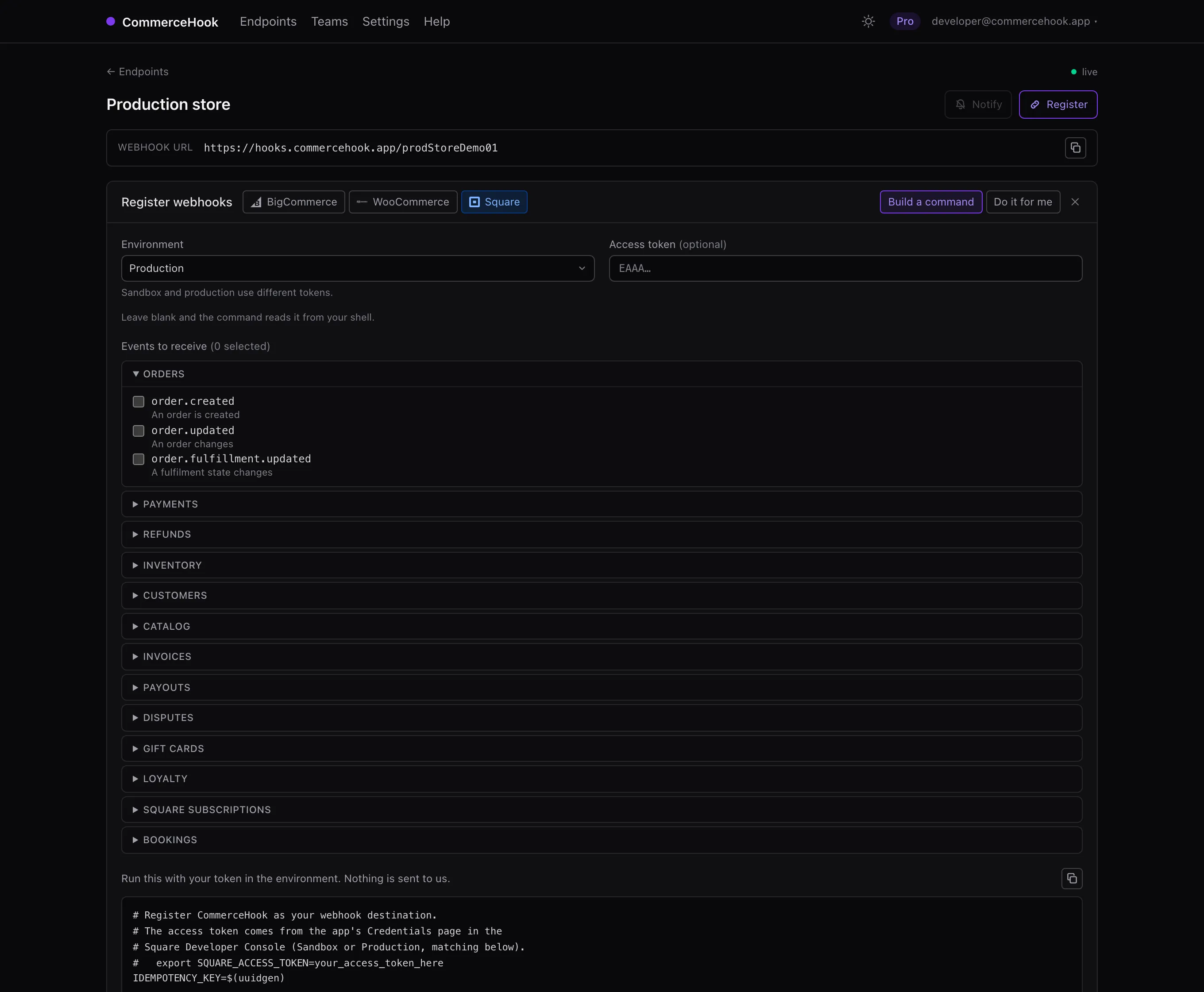
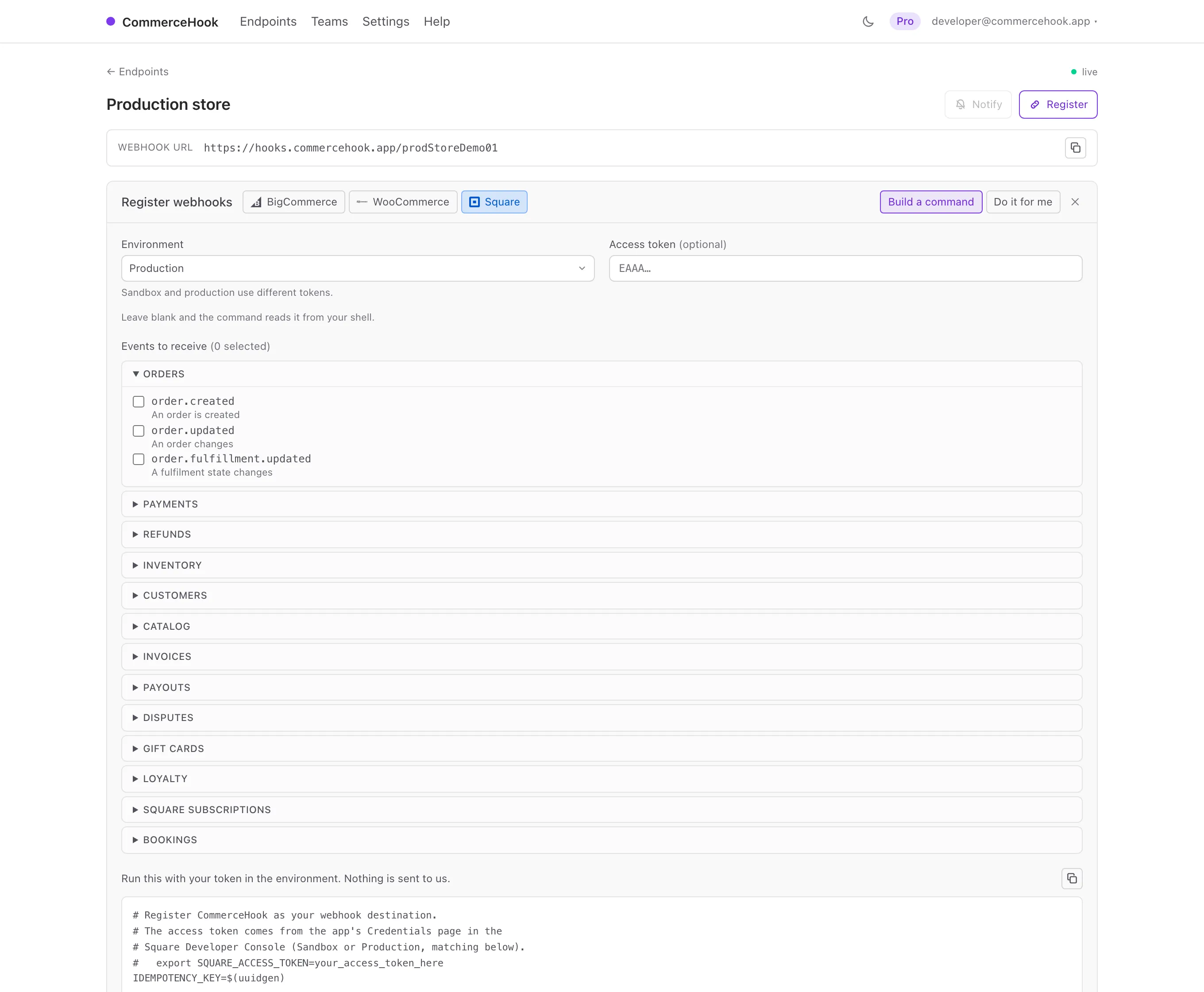
Connect in a click, or a command
Create an endpoint, pick your events across orders, payments, inventory, invoices and the rest, choose sandbox or production, and hand over your access token. We create the subscription and remember its signing key so verification just works. Or copy the command and run it yourself.
curl -X POST "https://connect.squareup.com/v2/webhooks/subscriptions" \
  -H "Authorization: Bearer $SQUARE_ACCESS_TOKEN" \
  -H "Square-Version: 2025-07-16" \
  -d '{"idempotency_key":"'"$(uuidgen)"'","subscription":
       {"name":"CommerceHook","event_types":["payment.updated"],
        "notification_url":"https://hooks.commercehook.app/your-endpoint"}}'
From nothing to inspected in a minute
-
1
Create an endpoint
Sign in and name it. You get a live HTTPS URL to hand to Square.
-
2
Register the events
Pick the events and your environment; we create the subscription and store its signing key.
-
3
Read and replay
Every delivery appears the moment it lands, verified. Replay it at your handler once it is fixed.
One inspector, five platforms
Square is rarely the only thing a business runs, which is rather the point. Point a Square subscription and a storefront's webhooks at the same endpoint and the deliveries sit in one timeline, in the order they actually arrived.
The same endpoint takes 4 others with first-class support: BigCommerce , WooCommerce , Shopify and Stripe . Anything else that speaks HTTP works too, whatever method or body it sends.
Debugging rather than choosing? The Square webhook inspector covers how these webhooks behave and why they fail.
See what Square actually sent
Free for one endpoint, no card. Point a subscription at it and watch the deliveries land.