Every WooCommerce delivery, payload and all
WooCommerce fires from wp-cron, retries on its own schedule, and disables a webhook after five failures, all without showing you a single payload. Point it at CommerceHook and see them.
Why do WooCommerce webhooks stop arriving?
Free plan, no card. One endpoint, live in a minute.
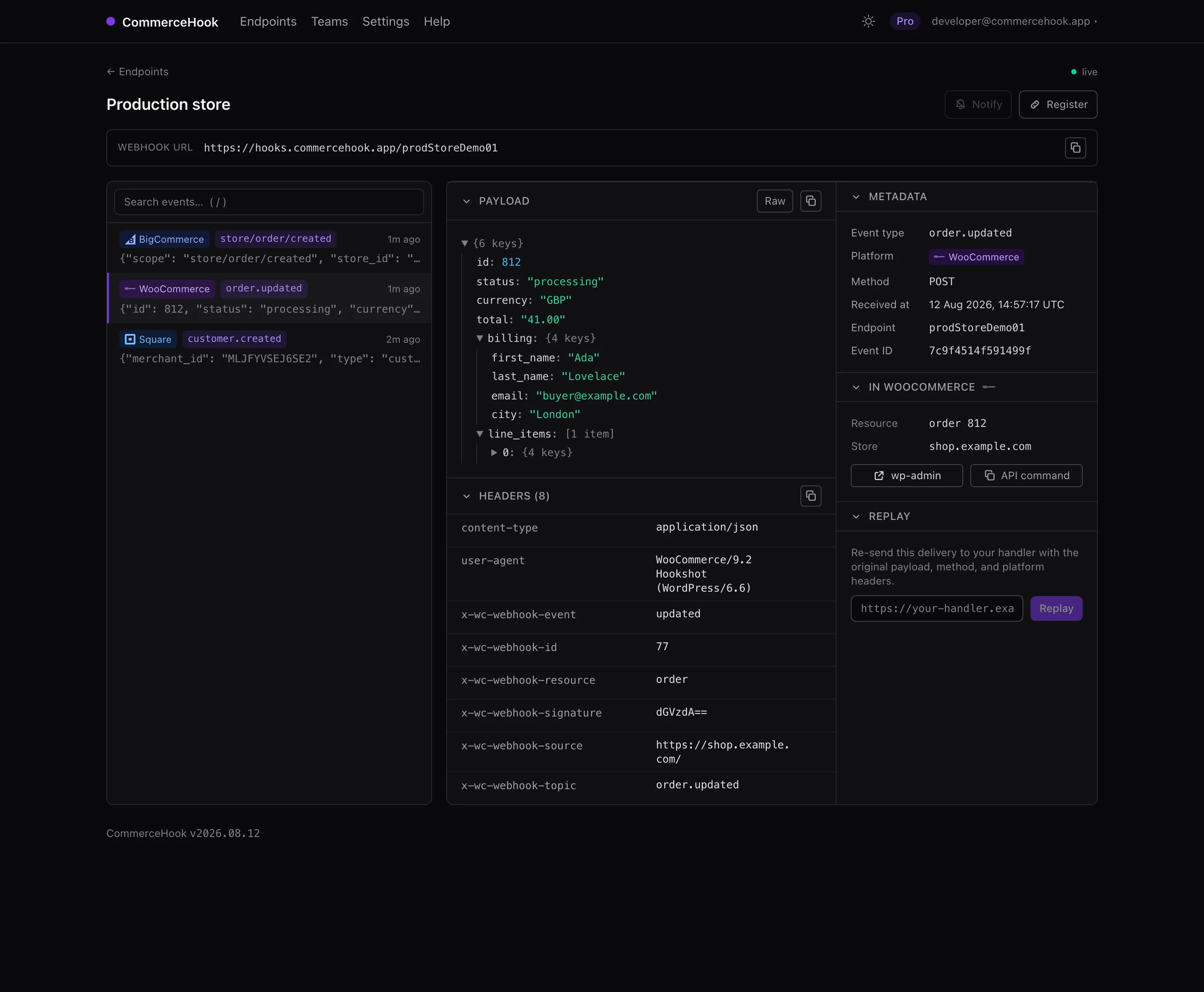
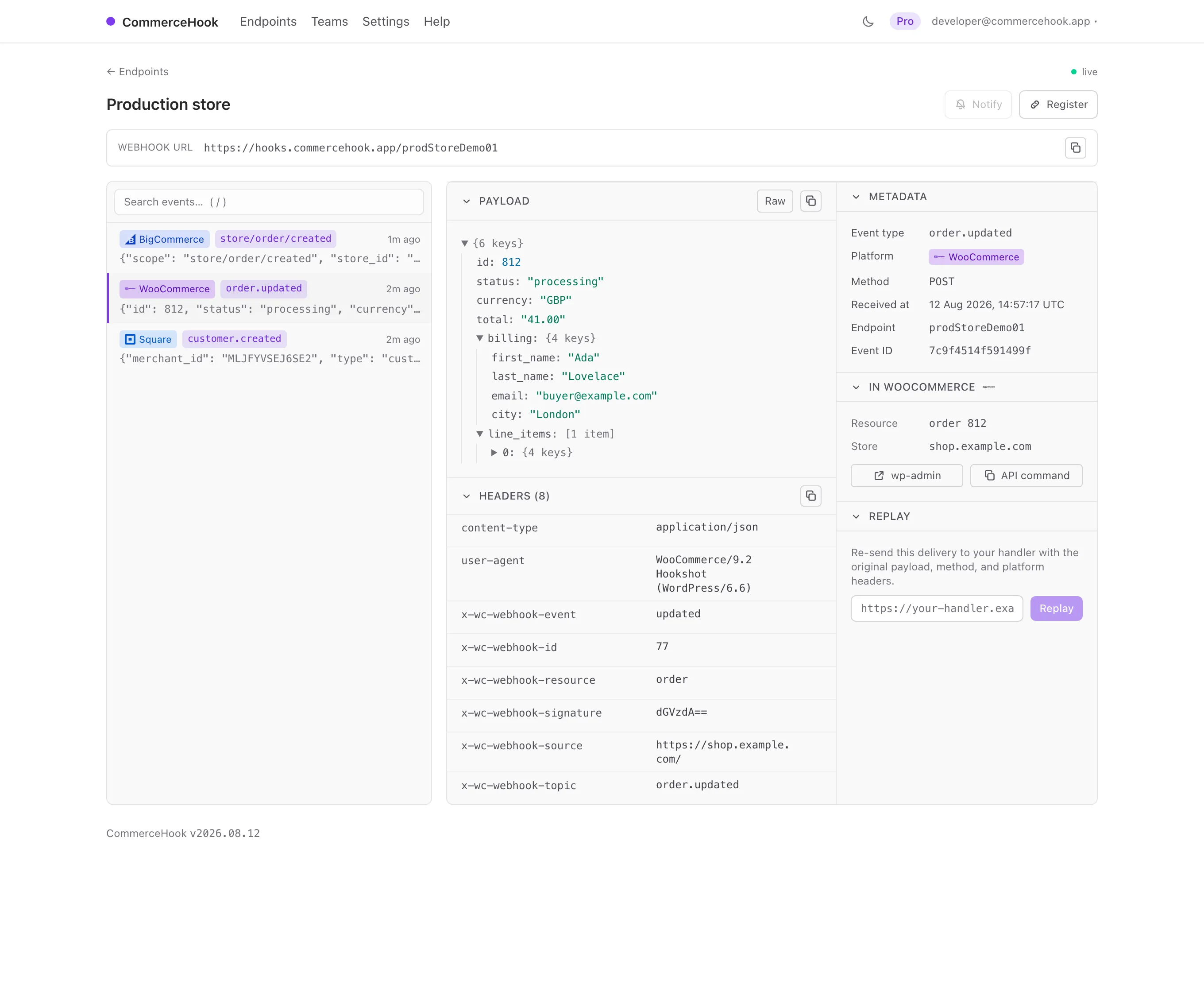
WooCommerce webhooks, without the silence
Delivery you cannot see, a signature you have to check, and a webhook that dies after five bad tries. The inspector handles all three.
Signatures verified
Set a webhook secret at registration and every delivery is checked against the X-WC-Webhook-Signature: a tick, or a clear cross.
Survives the five-strike rule
WooCommerce disables a webhook after five failures, silently. A CommerceHook endpoint always answers, so it never trips.
Linked back to wp-admin
Jump from a delivery straight to the order, product or customer in wp-admin, or the exact REST call to fetch it.
Register
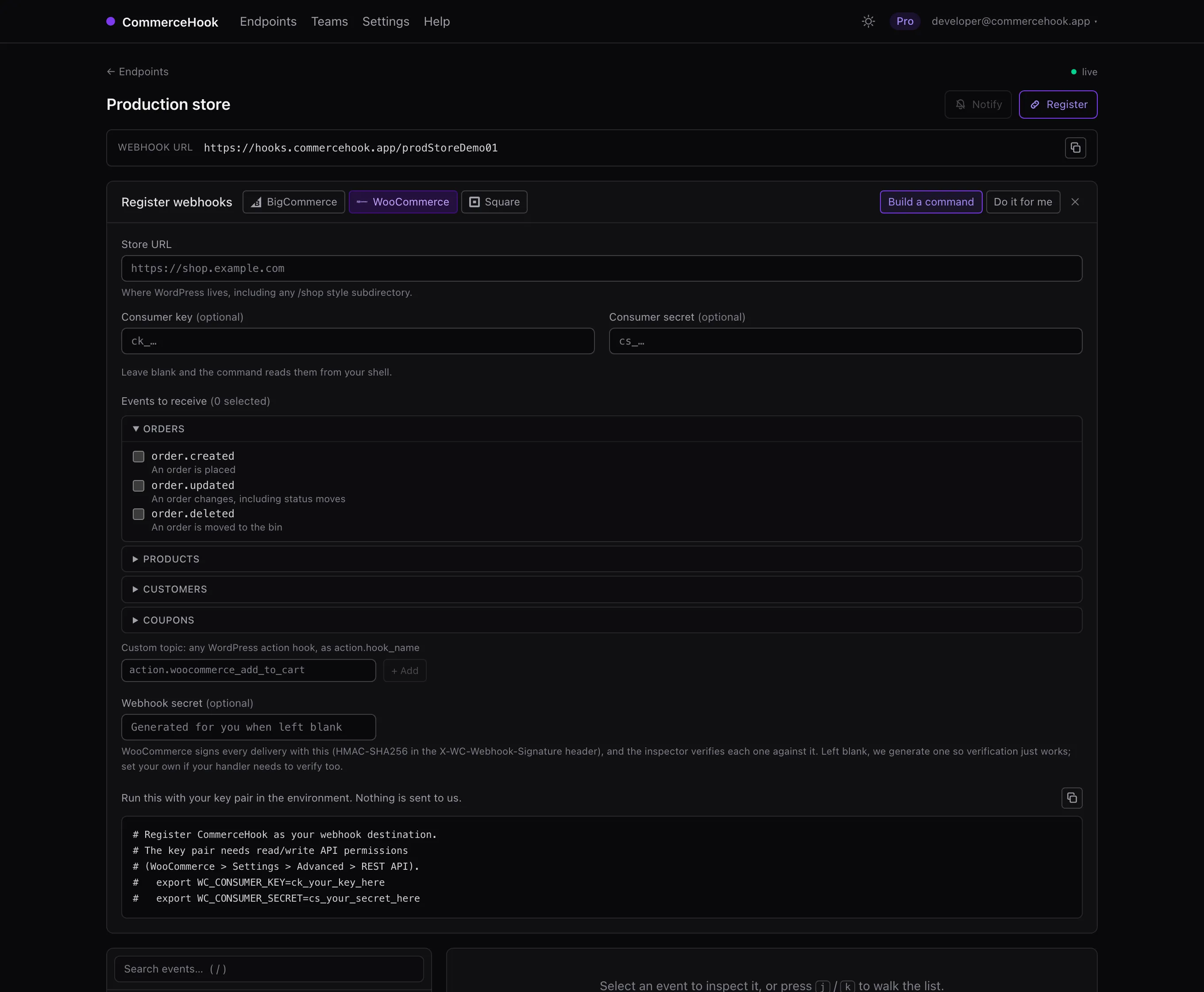
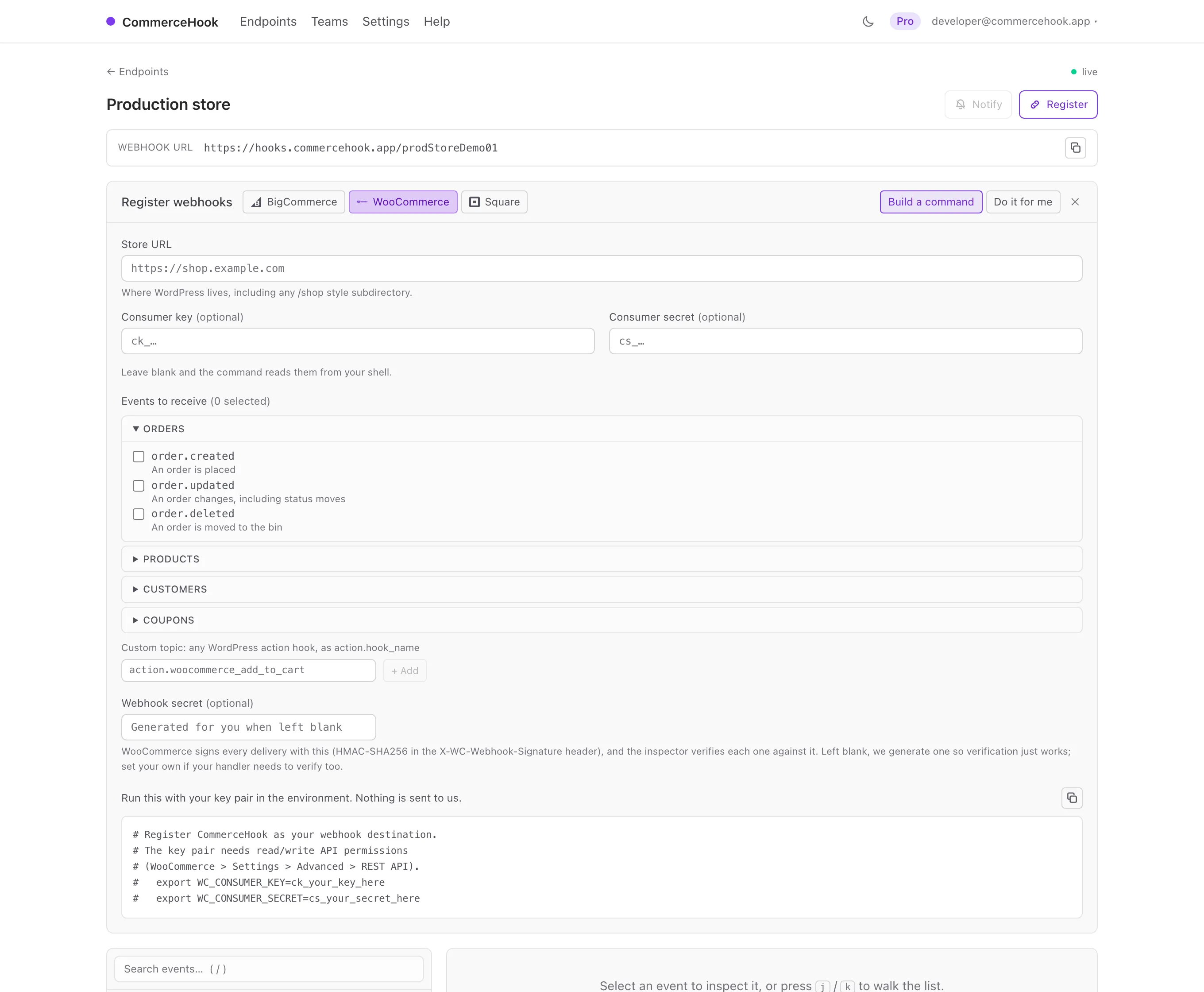
Register from the dashboard, or a command
Create an endpoint, pick the twelve core topics or any action.* WordPress hook, and hand over the store URL and an API key pair. We create the webhooks through the REST API, checking the store first so a typo fails while you are looking at it. Or copy the command and run it yourself.
curl -X POST "https://shop.example.com/wp-json/wc/v3/webhooks" \
  -u "$WC_CONSUMER_KEY:$WC_CONSUMER_SECRET" \
  -H "Content-Type: application/json" \
  -d '{"name":"CommerceHook order.created","topic":"order.created",
       "delivery_url":"https://hooks.commercehook.app/your-endpoint"}'
From nothing to inspected in a minute
-
1
Create an endpoint
Sign in and name it. You get a live HTTPS URL to point your store at.
-
2
Register the topics
Pick the core topics or any action.* hook, add your key pair; we create the webhooks for you.
-
3
Read and replay
Every delivery appears the moment it lands, verified. Replay it at your handler once it is fixed.
One inspector, five platforms
WooCommerce is the one people most often assume is an afterthought in tools like this, so it is worth saying plainly: registration, signature verification and event labelling all work here exactly as they do for the hosted platforms. Four others get the same treatment.
The same endpoint takes 4 others with first-class support: BigCommerce , Square , Shopify and Stripe . Anything else that speaks HTTP works too, whatever method or body it sends.
Debugging rather than choosing? The WooCommerce webhook inspector covers how these webhooks behave and why they fail.
See what WooCommerce actually sent
Free for one endpoint, no card. Point a webhook at it and watch the deliveries land.